 Chat with us
What Are the Best Practices for Data Migration in Salesforce?
Salesforce data migration is a critical process when businesses move data from a legacy CRM, another Salesforce org, spreadsheets, or a different business system. A successful migration is not simply about transferring records. It requires data cleansing, accurate field mapping, relationship management, testing, validation, and careful planning.
Following the right Salesforce data migration best practices can help organizations reduce data loss, avoid duplicates, maintain relationships, and ensure that Salesforce is ready for business use after migration.
Start With a Detailed Migration Plan
Before moving any data, define the scope of the migration. Identify which objects, records, fields, files, relationships, and historical data need to be transferred.
The migration plan should also define timelines, responsibilities, migration tools, testing requirements, validation criteria, and a rollback strategy. This gives technical and business teams a clear understanding of what will be migrated and how success will be measured.
Clean and Standardize Your Data
Data quality should be addressed before migration begins. Moving inaccurate or duplicate data into Salesforce can create larger problems after implementation.
Review the source data for duplicate records, missing information, outdated contacts, invalid email addresses, inconsistent formats, and incorrect values. Standardize fields such as country names, phone numbers, customer types, and industry classifications.
Data cleansing before migration improves the quality and usability of the new Salesforce environment.
Create Accurate Salesforce Data Mapping
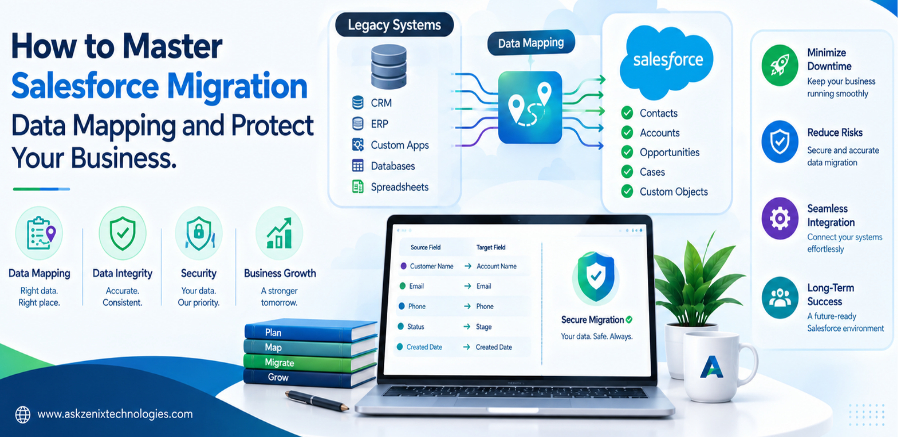
Data mapping defines how information from the existing system will be transferred into Salesforce.
Create a mapping document that identifies the source object, source field, Salesforce object, Salesforce field, data type, transformation rules, and default values.
For example, a legacy customer ID can be mapped to a Salesforce custom External ID field. This makes it easier to identify records and maintain relationships during migration.
Field mapping should be reviewed by both technical and business teams because some fields may require transformation rather than a simple one-to-one transfer.
Preserve Object Relationships
Salesforce data is highly interconnected. Accounts may be related to Contacts, Opportunities, Cases, Activities, and custom objects.
Migrating records without maintaining these relationships can result in incomplete or inaccurate customer information.
Use appropriate identifiers, External IDs, and migration sequencing to preserve relationships between objects. Parent records generally need to be available before dependent records can be correctly associated.
Choose the Right Migration Tool
The migration tool should match the size and complexity of your data.
For smaller and simpler imports, Salesforce Data Import Wizard may be sufficient. For larger datasets and more advanced operations, Data Loader can provide greater flexibility.
Complex enterprise migrations may require APIs, ETL platforms, integration tools, or custom migration scripts.
The right choice depends on data volume, transformation requirements, object support, automation, and the need for repeatable migration processes.
Back Up Data Before Migration
Always maintain a reliable backup before performing a major Salesforce migration.
A backup provides a recovery option if records are incorrectly transformed, overwritten, deleted, or associated with the wrong objects.
Businesses should also document the existing Salesforce configuration and metadata when migrating between Salesforce environments. A recovery strategy is particularly important for large production migrations.
Test in a Sandbox Before Production
Never make the production environment your first migration test.
Run the migration process in a Salesforce sandbox using a representative sample of data. Test field values, relationships, permissions, validation rules, automation, reports, and integrations.
A test migration should also be repeatable. If the same migration process cannot be executed consistently, it should be refined before production deployment.
Validate the Migrated Data
A successful import does not necessarily mean a successful migration.
After migration, compare source and Salesforce record counts and check important business data. Validate required fields, relationships, ownership, duplicates, historical records, and critical customer information.
For larger migrations, automated validation reports can help identify missing, rejected, or incorrectly transformed records more efficiently than manual checking.
Monitor the System After Migration
Post-migration monitoring is essential. Check integrations, automation, reports, dashboards, user access, and business workflows after Salesforce goes live.
Maintain migration logs showing successful records, failed records, errors, and records requiring correction. Keeping legacy identifiers can make troubleshooting significantly easier.
Final Thoughts
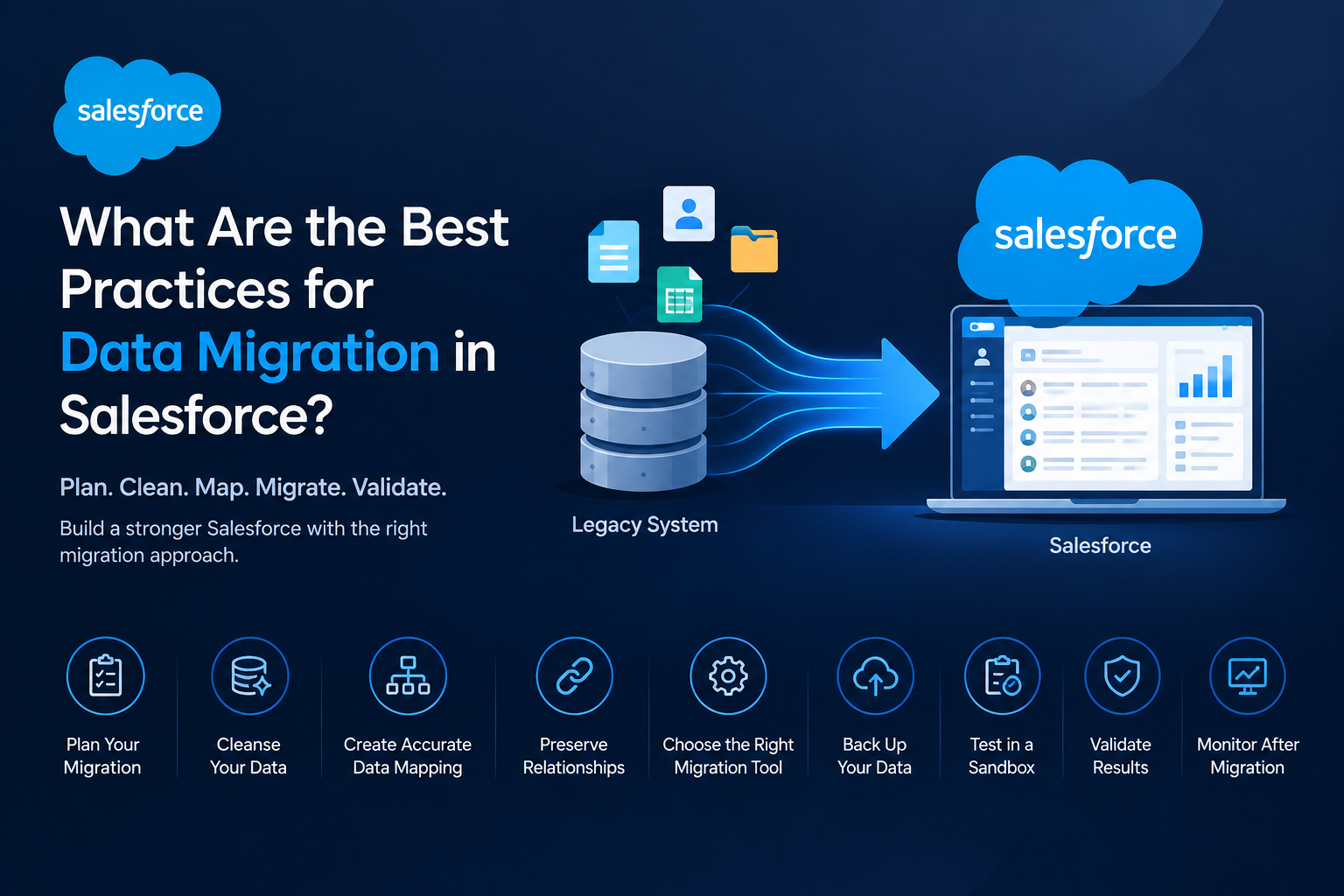
The best Salesforce data migration strategy combines planning, data cleansing, accurate mapping, relationship management, appropriate tools, sandbox testing, backups, and post-migration validation.
Businesses should treat Salesforce migration as a structured data project rather than a simple file import. Proper preparation helps protect data quality, reduce operational disruption, and create a reliable Salesforce environment that users can trust.
If your organization is planning a complex Salesforce migration, professional Salesforce migration services can help manage data assessment, mapping, transformation, migration, testing, and validation from start to finish.