 Chat with us
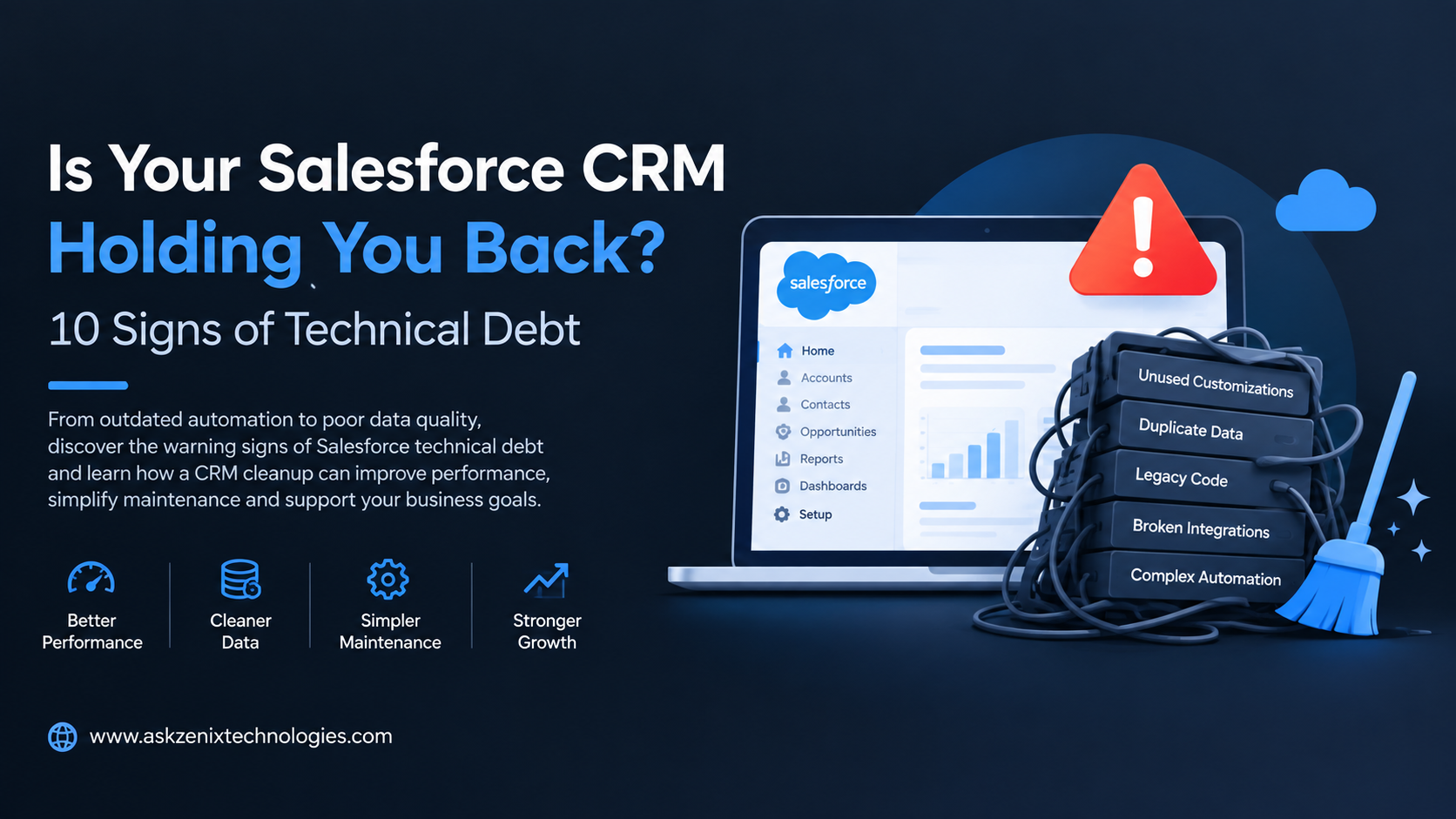
Is Your Salesforce CRM Holding You Back? Signs of Technical Debt
Salesforce can become the backbone of sales, customer service, marketing, and business operations. But as organizations add customizations, integrations, automation, workflows, apps, and data over time, the CRM can become increasingly difficult to manage.
This buildup is commonly known as Salesforce technical debt. It does not always cause immediate problems, but over time it can slow development, increase maintenance costs, create data issues, and make it harder to introduce new Salesforce features.
If your Salesforce environment feels complicated, slow, or difficult to change, it may be time for a cleanup.
What Is Salesforce Technical Debt?
Salesforce technical debt refers to outdated, unnecessary, poorly designed, or overly complex configurations and custom code that accumulate within a Salesforce org.
Technical debt can come from quick fixes, legacy workflows, unused fields, duplicate automation, outdated Apex code, unnecessary custom objects, unmanaged integrations, or customizations that no longer support current business requirements.
A small amount of technical debt is normal. The problem starts when it prevents your team from improving the CRM efficiently.
1. Salesforce Changes Take Too Long
One of the clearest signs of technical debt is that simple Salesforce changes require significant development and testing.
Adding a field, modifying a process, updating automation, or changing a page layout should not consistently become a complex project. If developers need to investigate multiple dependencies before making even minor changes, your Salesforce architecture may need attention.
A well-structured Salesforce environment should make routine changes predictable and manageable.
2. Too Many Workflows and Automations
Automation is one of Salesforce's biggest strengths, but excessive automation can create significant complexity.
Older Salesforce orgs may contain a combination of Flow, Process Builder, Workflow Rules, Apex triggers, scheduled jobs, and third-party automation tools. When multiple automations affect the same records, it becomes difficult to understand which process is responsible for a particular result.
Consolidating automation and removing obsolete processes can make the CRM easier to maintain and troubleshoot.
3. Your Salesforce Data Is Full of Duplicates
Duplicate accounts, contacts, leads, opportunities, or other records are more than a data-quality problem. They can also indicate that your Salesforce data architecture and processes need improvement.
Duplicate data can affect reporting, lead management, customer communication, forecasting, and integrations.
A Salesforce cleanup should identify duplicate records, review data-entry processes, establish validation rules where appropriate, and introduce suitable duplicate-management practices.
4. Users Avoid Salesforce
If employees regularly maintain information in spreadsheets, emails, or separate applications instead of Salesforce, the problem may not be user adoption alone.
A complicated CRM can discourage users from entering accurate and timely information. Too many fields, confusing page layouts, unnecessary processes, and slow screens can make everyday tasks frustrating.
Improving the Salesforce user experience can help increase adoption while reducing unnecessary manual work.
5. Reports and Dashboards Are Difficult to Trust
Business leaders rely on Salesforce reports and dashboards for decision-making. If different teams receive different numbers for the same metric, technical or data-related debt may be affecting your CRM.
Common causes include inconsistent data, duplicate records, outdated fields, incorrect relationships, unused fields, and poorly designed reporting structures.
A Salesforce cleanup should review data quality and reporting logic so that teams can work from more reliable information.
6. Integrations Frequently Break
Salesforce rarely operates as a standalone platform. Businesses often connect it with ERP systems, marketing platforms, payment solutions, customer-support tools, websites, and other applications.
Over time, undocumented integrations, outdated APIs, custom middleware, and poorly managed data flows can create technical debt.
If integrations frequently fail or require manual intervention, it may be time to review your integration architecture.
7. Your Salesforce Org Contains Unused Customizations
Salesforce environments often accumulate fields, objects, validation rules, Apex classes, triggers, reports, dashboards, and components that were created for previous business requirements.
Keeping everything indefinitely makes the environment harder to understand and maintain.
A technical debt assessment can identify unused or obsolete components and determine which ones can safely be retired.
8. Developers Spend More Time Fixing Than Improving
Your development team's time is an important indicator of Salesforce health.
If developers spend most of their time troubleshooting legacy automation, fixing recurring errors, maintaining outdated code, or dealing with unexpected dependencies, technical debt may be limiting your team's productivity.
Reducing technical debt allows development resources to focus more on business improvements instead of repeatedly addressing old problems.
9. Salesforce Performance Is Getting Worse
Slow page loads, delayed automation, inefficient queries, and integration bottlenecks can affect the Salesforce user experience.
Performance problems may have several causes, including inefficient custom code, excessive automation, large data volumes, poorly designed integrations, or unnecessary customization.
Performance optimization should therefore be part of a broader Salesforce technical review rather than treated as an isolated issue.
10. Nobody Fully Understands Your Salesforce Architecture
Perhaps the biggest warning sign is a lack of documentation and ownership.
If only one developer understands how your Salesforce automation, integrations, custom objects, and business logic work, your organization has a significant operational risk.
Good documentation should explain important customizations, integrations, automation, dependencies, and business rules. This makes future Salesforce development safer and more predictable.
How to Reduce Salesforce Technical Debt
The first step is to understand what exists inside your Salesforce environment. A technical assessment can review automation, Apex code, data quality, integrations, security, custom objects, reports, and unused components.
From there, businesses can prioritize improvements based on business impact rather than attempting to change everything at once.
The goal is not to remove customization simply because it is old. The goal is to determine whether each component still provides business value and whether it can be maintained efficiently.
Regular Salesforce health checks, documentation, data-quality management, automation reviews, and controlled development practices can prevent technical debt from accumulating again.
Why Salesforce Cleanup Matters
Salesforce technical debt can remain invisible until it begins affecting productivity, development speed, data quality, or business decisions.
Cleaning up your CRM can make Salesforce easier to maintain, improve user experience, strengthen data quality, reduce unnecessary complexity, and create a stronger foundation for future Salesforce development.
For businesses planning new integrations, automation, AI initiatives, or Salesforce enhancements, addressing technical debt first can also reduce the risks associated with future projects.
Final Thoughts
Your Salesforce CRM should support business growth rather than become a barrier to it. If simple changes are becoming difficult, automation is increasingly complicated, data quality is declining, or users are avoiding the platform, these may be signs that your Salesforce environment needs a technical cleanup.
A structured Salesforce technical debt assessment and CRM cleanup can help identify outdated components, simplify the architecture, improve data quality, and prepare your Salesforce platform for future business requirements.
If your Salesforce org has become difficult to manage, reviewing its technical health today can prevent larger costs and operational problems tomorrow